
https://github.com/ArjunCodesmith/termux-junk-cleaner
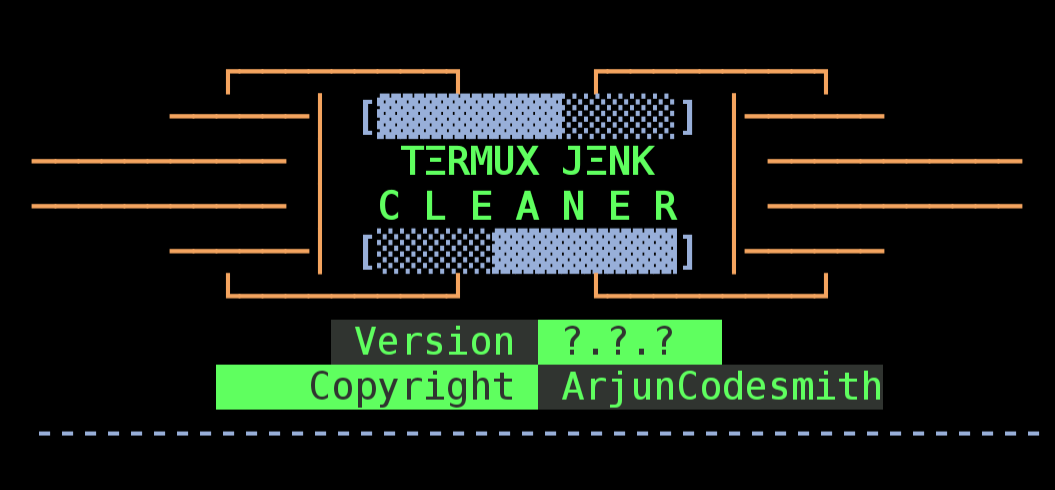
About Tool
Termux Junk Cleaner is a powerful junk cleanup tool designed to optimize and declutter your Termux environment. It offers a comprehensive set of features to clean up various unnecessary files, logs, cached data and more.
Installation
- Clone the repository:
git clone https://github.com/ArjunCodesmith/termux-junk-cleaner.git
- Navigate to the project directory:
cd termux-junk-cleaner
- Give executable permission to the file
chmod +x termux-junk-cleaner.sh
- Run the script:
./termux-junk-cleaner.sh
Features
- Selective Cleanup:
Choose specific cleanup options tailored to your needs (cached packages, temporary files, logs).
- Cache Cleanup: Remove redundant cache files to free up space.
- Cached Packages Cleanup: Efficiently clean cached packages to enhance performance.
- Unused Packages Removal: Safely remove unnecessary or unused packages.
- Temporary Files Cleanup: Eliminate temporary files that may accumulate over time.
- Temporary Backup Files Cleanup: Ensure a clean slate by removing temporary backup files.
- Unnecessary Logs Cleanup: Improve system cleanliness by cleaning unnecessary logs.
- Detailed Logs:
The tool generates cleanup details in cleanup_log.txt.
Usage
Termux Junk Cleaner provides a flexible and user-friendly interface for cleanup operations. You can choose specific cleanup options, or run it interactively for a customized cleanup.
Options
Interactive Mode:
./termux-junk-cleaner.sh
Help:
./termux-junk-cleaner.sh -h
Clean Cache Files:
./termux-junk-cleaner.sh -c
Clean Cached Packages:
./termux-junk-cleaner.sh -p
Remove Unnecessary Packages:
./termux-junk-cleaner.sh -n
Clean Temporary Files:
./termux-junk-cleaner.sh -t
Clean Temporary Backup Files:
./termux-junk-cleaner.sh -b
Clean Unnecessary Logs:
./termux-junk-cleaner.sh -l
Clean All Types of Junks:
./termux-junk-cleaner.sh -a
 R.M.P Marotta Long Island
Leave a comment